On-Page SEO
Headings That Help Readers and Search: H1, H2 and H3 Explained
One clear H1, logical H2 sections and headings written as answers people scan for.
By the Seozumi editorial team · · about 4 min read
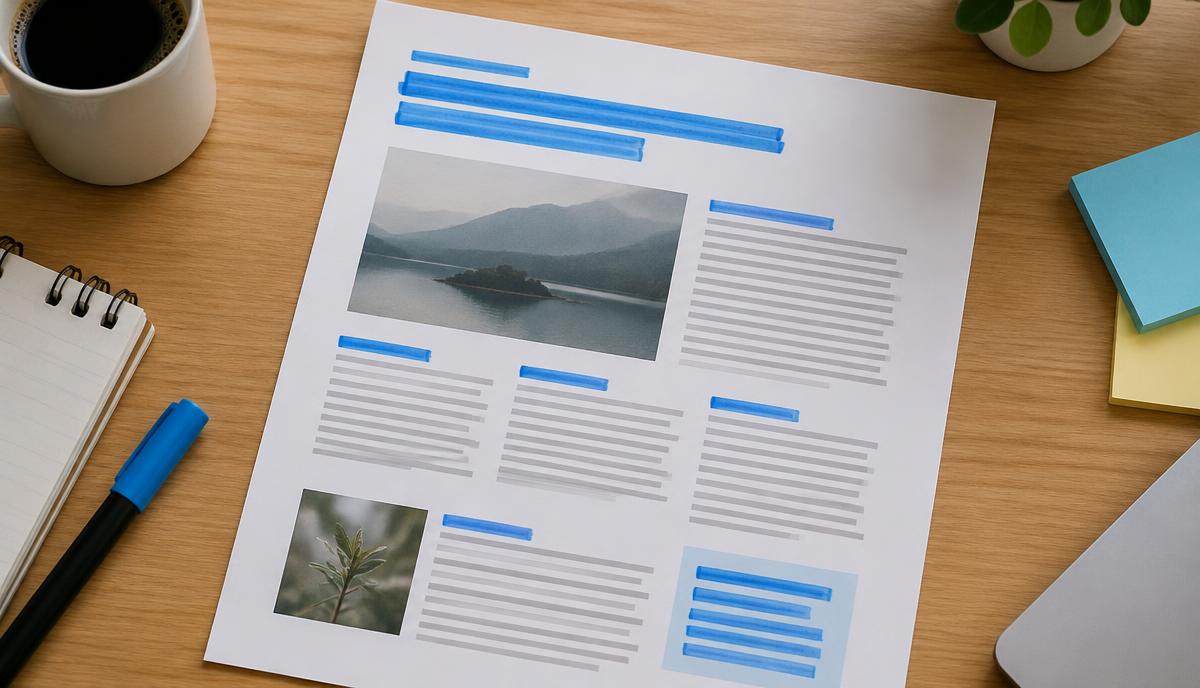
Headings break a page into sections. Most visitors scan before they read, so headings decide whether they find what they came for. Screen reader users navigate by headings, and search engines use them to understand how a page is organized.
The basic structure
- H1: the main title of the page. Usually one per page, describing the whole topic.
- H2: the main sections.
- H3: subsections within an H2.
- H4–H6 are rarely needed on small business pages.
Headings should follow a logical outline: do not jump from H1 straight to H4 just because of the font size. Use CSS for styling and headings for structure. The W3C headings tutorial explains the accessibility side.
An example outline
Illustrative outline for a service page:
H1  Boiler Repair in Leeds
  H2  Common boiler problems we fix
    H3  No heating or hot water
    H3  Boiler losing pressure
    H3  Strange noises
  H2  How a repair visit works
  H2  Prices and call-out fees
  H2  Areas we cover
  H2  Frequently asked questions
Reading only the headings, a visitor already knows what the page covers and can jump to prices.
Writing good headings
- Make them specific. “Prices and call-out fees” beats “Information”.
- Use the words people search for, naturally. A question heading like “How long does a repair take?” works well when followed by a direct answer.
- Keep them short enough to scan.
- Make each heading describe what is below it, not tease it.
- Answer the heading in the first sentence after it; see writing FAQ content.
Common mistakes
- Multiple H1s from a theme (logo as H1 plus page title as H1). Not fatal, but confusing; check your template.
- Using headings for styling, such as a bold sentence marked as H2 in a sidebar.
- Stuffing keywords into every heading.
- No headings at all on long pages, which makes them hard to read on mobile.
- Headings as images, which screen readers and search engines cannot read as text.
How to check your headings
- View the page source or use your browser’s accessibility tree to see heading levels.
- Use a free headings browser extension or a site-audit tool that lists H1–H6 for each page.
- Read only the headings aloud. If the outline does not make sense, restructure the page.
Headings are part of good on-page structure, together with clear titles and descriptions and helpful copywriting.