What to Know Before Choosing Resume Customization and Editing
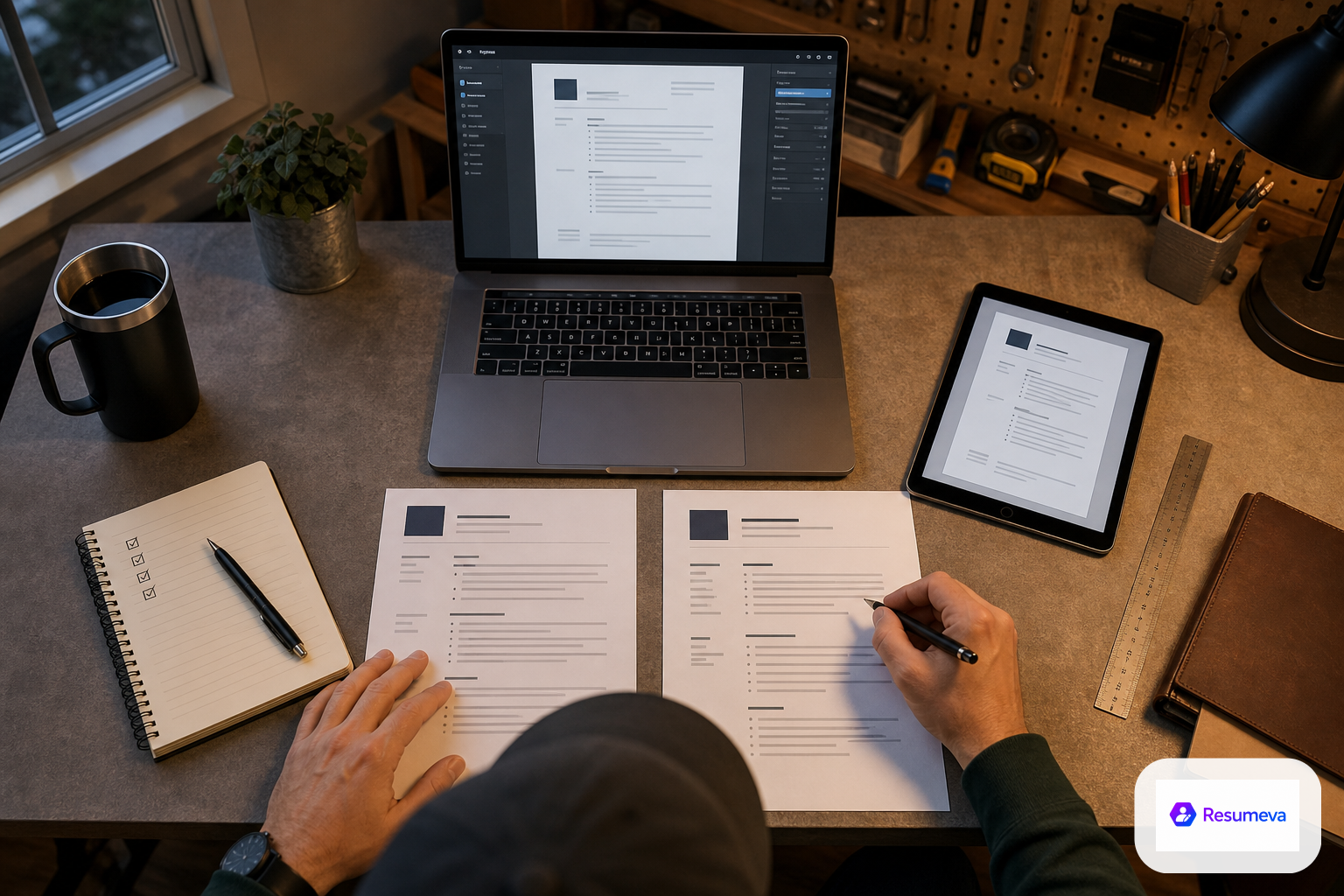
This guide explains how to evaluate resume customization and editing tools for accuracy, layout control, ATS readability, version comparison, and export quality.
Before choosing a resume customization and editing tool, make sure it lets you keep your career history accurate, revise AI-generated text cleanly, adjust the layout without hurting readability, compare versions, and export a polished PDF. If a tool cannot do those basics well, it may look convenient at first but create problems when you start applying.
Start with accuracy, not aesthetics
A strong resume editor should help you present your experience clearly, not rewrite it into something less truthful. The best tools make it easy to improve phrasing while keeping the underlying facts intact.
Keep the official details visible
When you edit a resume, the core information should remain recognizable:
- job titles should stay truthful
- company names and dates should remain consistent
- responsibilities should be clarified, not invented
- achievements should reflect real outcomes you can stand behind
This matters because a resume is both a marketing document and a record of your work history. Good editing is about translation, not exaggeration.
Make sure AI suggestions are editable
If a platform offers AI writing assistance, check whether you can change every part of the draft afterward. You should be able to:
- rewrite a summary that sounds too generic
- trim or expand bullet points
- swap in better verbs and clearer wording
- keep the same facts while improving how they read
That flexibility is especially useful if you are starting from a rough draft or updating an older resume. The tool should support your judgment, not replace it.
Watch for edits that change meaning
A useful editor will preserve your intent even when it improves the language. Be cautious if the tool:
- removes important context from a role
- adds skills you did not actually use
- turns specific responsibilities into vague buzzwords
- makes one version sound much stronger than your real experience supports
If that happens, the problem is not just wording. It is a control issue.
Check how much layout control you actually get
Resume editing is not only about text. It is also about how the document looks and whether the structure still makes sense after you customize it.
Look for section flexibility
A good editor should let you change the order and presence of sections based on your background. For example, you may need to adjust:
- professional summary
- work experience
- education
- skills
- projects
- certifications
- volunteer work
This matters for students, career changers, and experienced professionals alike. A first-job resume and an executive resume should not be forced into the same structure.
Check whether formatting stays readable
Customization should not make the resume harder to scan. After editing, the page should still have:
- clear section headings
- balanced spacing
- consistent font use
- enough white space
- a logical reading order
If changing one section causes the whole page to become crowded or uneven, the editor may be too rigid or too easy to break.
Make sure mobile or browser edits do not distort the layout
Many people start on one device and finish on another. Before choosing a tool, see whether edits stay stable when you move between screens. What looks tidy in the editor should still look tidy in the exported file.
Protect ATS readability while editing
If you are applying online, ATS-friendly formatting still matters after every customization. A resume can look polished to a person and still become harder for software to process if the layout gets too complicated.
Keep the structure simple enough to parse
When you customize a resume, watch for features that can interfere with readability:
- overly decorative layouts
- text placed inside graphics or text boxes that do not export cleanly
- unusual section labels
- complex column arrangements that scramble the reading order
You do not need a plain document with no design. You do need a format that stays clear when scanned by software and reviewed by a recruiter.
Use keywords naturally
A good editor should help you tailor wording to a role without stuffing keywords into every line. The goal is to reflect the language of the job description in a way that still sounds like a real person wrote it.
A practical test is simple: after editing, read the resume aloud. If it sounds unnatural, overstuffed, or repetitive, it probably needs another pass.
Export a clean PDF
Export quality matters more than many buyers expect. Before you settle on a tool, check whether the final PDF:
- preserves spacing
- keeps headings aligned
- avoids broken line breaks
- maintains readable font size
- opens cleanly on another device
Resumeva, for example, offers downloadable resumes in PDF format, which is useful when you want a stable final file for applications. The key is not just downloading a PDF, but downloading one that still looks professional after export.
Compare versions before you commit
Editing is easier when you can compare drafts. That is especially useful if you are tailoring one resume for different roles or testing a more concise version against a more detailed one.
Version comparison helps you avoid accidental damage
A good editing workflow lets you check:
- what changed in the summary
- whether a bullet became weaker or stronger
- whether a section order still makes sense
- whether a new layout improved or reduced clarity
Without comparison, it is easy to make a change that looks better in isolation but weakens the full resume.
Save role-specific versions when needed
If you apply to different types of jobs, you may want more than one resume version. A flexible editor should make it easy to keep separate drafts for:
- different industries
- different seniority levels
- different career directions
- different job descriptions
This is useful when one resume needs to emphasize technical depth and another needs to emphasize leadership, communication, or transferable skills.
A simple buyer checklist
Before you choose a resume customization and editing tool, ask whether it gives you the following:
- full control over wording and section order
- the ability to preserve truthful career details
- clean edits to AI-generated content
- readable formatting after customization
- ATS-friendly structure after changes
- an easy way to compare versions
- a reliable PDF export
If a tool misses more than one of those points, it may not be a good fit for serious job applications.
A practical next step
Before subscribing or committing to a platform, test it with one real resume and one real job description. Try to edit a summary, adjust a section order, compare the before-and-after version, and export the final file. If the tool helps you stay accurate, flexible, and readable all at once, it is doing the job you need.
For more support while you evaluate your options, related guides on resume writing, ATS optimization, and bad resume examples can help you judge edits more confidently.
FAQ
What should a resume customization tool let me change?
It should let you edit the wording, sections, layout, and order of information without forcing you to replace accurate career details or break the document’s readability.
How can I tell whether edits will stay ATS-friendly?
Check whether the tool keeps standard headings, avoids broken formatting, and produces a clean PDF that still reads clearly after you make changes.
Why does version control matter in a resume editor?
Version control helps you compare drafts, undo risky edits, and keep different versions for different roles without losing your best work.
What is the biggest warning sign to avoid?
A tool that makes editing easy but quietly distorts your work history, damages layout, or exports a messy final file is usually not worth using.