How an AI Cover Letter Builder Works: Practical Guide
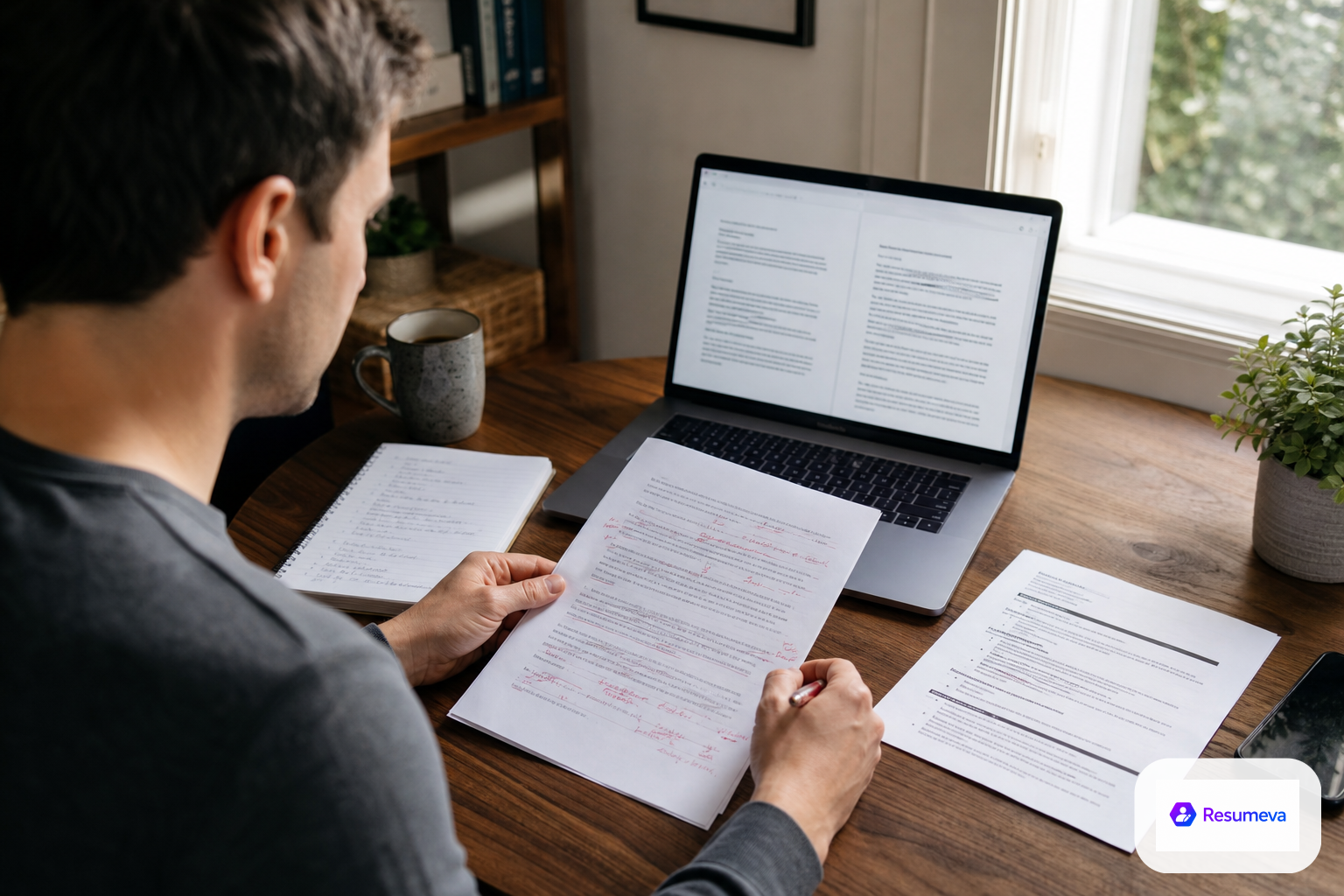
This guide explains how an AI cover letter builder works from input to final export, including what to provide, how the draft is generated, and how to review and edit it for accuracy and fit.
An AI cover letter builder works by turning the details you provide — your background, the target role, and the job description — into a tailored draft that you then review, edit, and send. The AI can help with structure, phrasing, and relevance, but you remain responsible for accuracy, specificity, tone, and any claim made in the letter.
What an AI cover letter builder actually does
At its best, the tool helps you move from a blank page to a clean first draft faster than writing from scratch. It can:
- organize your letter into a logical opening, middle, and closing
- suggest wording that connects your experience to the role
- highlight skills and achievements that match the job description
- improve clarity, flow, and professionalism
- keep the tone consistent with a job application
What it should not do is invent experience, overstate your achievements, or guess at facts you never provided. The more specific your input is, the more useful the draft becomes.
| AI handles | You handle | | --- | --- | | Draft structure | Truthfulness | | Rephrasing rough notes | Specific examples | | Matching language to the job description | Final judgment | | Polishing tone | Personal voice | | Creating a starting point | Final review and submission |
What to provide before you generate a draft
A strong cover letter usually starts with a strong input set. Before you generate anything, gather the details the tool needs to make the draft personal and relevant.
Your target role and employer
Be clear about the job title and company you are applying to. If the posting mentions a specific function, team, or priority, include that too. The builder can only tailor the letter to the role you give it.
The job description
Paste the job description when possible. This helps the AI mirror the employer’s language and focus on the qualifications that matter most. If the posting is long, the most important parts are the responsibilities, required skills, and any stated preferences.
Your relevant background
Include the experience, projects, credentials, or transferable skills you actually want mentioned. If you are changing careers or applying for an entry-level role, helpful inputs may also include academic work, internships, volunteer work, or major projects.
The points you want the letter to emphasize
If there are achievements, strengths, or career themes you want the letter to highlight, tell the tool directly. That can prevent a generic draft and help the final version sound intentional.
How the workflow usually goes
The exact interface may differ from one tool to another, but the workflow is usually similar.
Add your details
Start by entering your career information in a structured way. This often includes your role history, skills, and any notes you want the letter to reflect. Clear input reduces vague output.
Paste the job description
Next, add the role details you want the letter tailored to. This is where the builder can pick up the employer’s wording and shape the draft around the needs of the position.
Generate the first draft
The AI produces a draft that combines your information with the role requirements. A useful draft should sound professional, direct, and specific, not generic or overly dramatic.
Check the content against your real experience
Read the draft slowly and compare it with your resume and your actual background. If the letter includes a skill, result, or responsibility you cannot support, remove it or rewrite it.
Edit for fit and voice
This is where the draft becomes yours. Add details that only you can provide, shorten anything that feels padded, and change phrases that sound too polished or too generic. A good cover letter should sound natural when read aloud.
Export or copy the final version
Once the letter is accurate and polished, save it in the format your application needs. Before submitting, make sure the final version is legible, looks clean, and reads correctly outside the editor.
How to review the draft before you send it
A helpful way to review the letter is to read it as a hiring manager would.
Ask yourself:
- Does the opening say what role I want and why I’m applying?
- Does the middle section explain why I fit this job specifically?
- Are the examples truthful, relevant, and easy to understand?
- Does the tone sound confident without sounding inflated?
- Does the closing make the next step clear?
A strong edit usually removes extra fluff rather than adding more words. If a sentence does not help the employer understand your fit, it probably does not belong.
Common mistakes to avoid
Making the letter too generic
If the letter could apply to any job, it is not tailored enough. Use the job description and your real background to make the content role-specific.
Accepting every AI suggestion
AI can produce fluent text that still misses the point. Do not copy a draft just because it sounds polished. Check whether every sentence is useful and accurate.
Letting the tool invent details
If the builder suggests a claim you cannot verify, remove it. Your letter should support your application, not create risk.
Repeating the resume word for word
A cover letter should add context, motivation, and a short explanation of fit. It should not simply restate your resume in paragraph form.
Ignoring tone
An effective letter is professional and approachable. If the draft sounds too stiff, simplify it. If it sounds too casual, make it more direct.
A practical next step
The best way to use an AI cover letter builder is to treat it like a drafting assistant, not a replacement for judgment. Start with a real job description, add accurate career details, generate a draft, and then edit it until every claim is true and every sentence earns its place.
If you use Resumeva’s AI Cover Letter Builder, the same approach applies: bring the facts, let the tool shape the first draft, then refine the final version so it sounds like you, fits the role you want, and remains easy to read.
FAQ
Can an AI cover letter builder write the whole letter for me?
It can draft the structure and wording, but you should still review every line, because you are responsible for accuracy, fit, and tone.
What information should I provide to get a better draft?
Share the job description, your target role, your relevant experience, key skills, and any specific points you want to emphasize or avoid.
Should I edit the AI draft before sending it?
Yes. A useful draft still needs checking for truthful claims, role-specific details, natural language, and a closing that matches the application.
Is an AI cover letter enough on its own?
No. It should support a strong application, not replace accurate job-fit, a tailored resume, and careful submission materials.